
Link Budget Explained: Why 40km SFP Can Fail at 20km | Optical Transceiver Guide
2026-08-06 16:54:38
Link Budget Explained: Why a 40km SFP Can Fail at 20km
Understanding Optical Power Budget Before Choosing SFP, SFP+, QSFP and Long-Distance Transceivers
Many engineers have experienced this situation:
A 40km optical module is installed on a 20km fiber link.
The distance looks safe.
The specifications look correct.
But the link still shows:
Intermittent connection drops
Low receive power alarms
CRC errors
Packet loss
Optical instability
Why does this happen?
Because optical transmission is not only about distance.
The real key is:
Link Budget.
What Is Optical Link Budget?
Optical link budget is the total amount of optical power available between the transmitter and receiver.
Simply explained:
Link Budget = Transmitter Power - Receiver Sensitivity
The available budget must be greater than the total loss of the fiber link.
A complete optical link includes:
Optical transceiver
Fiber cable
Patch panels
Connectors
Splices
Adapters
Environmental aging
Every part consumes optical power.
If the total loss gets too close to the module limit, the connection becomes unstable.
Why Can a 40km SFP Fail at 20km?
This is one of the biggest misunderstandings in optical networking.
Many people think:
"A 40km SFP should easily handle a 20km connection."
Usually, yes.
But distance ratings are based on ideal conditions.
A real network may have additional losses.
For example:
A 10G ER SFP+ module may support approximately 40km.
However, the actual fiber link may include:
Multiple patch panels
Old fiber infrastructure
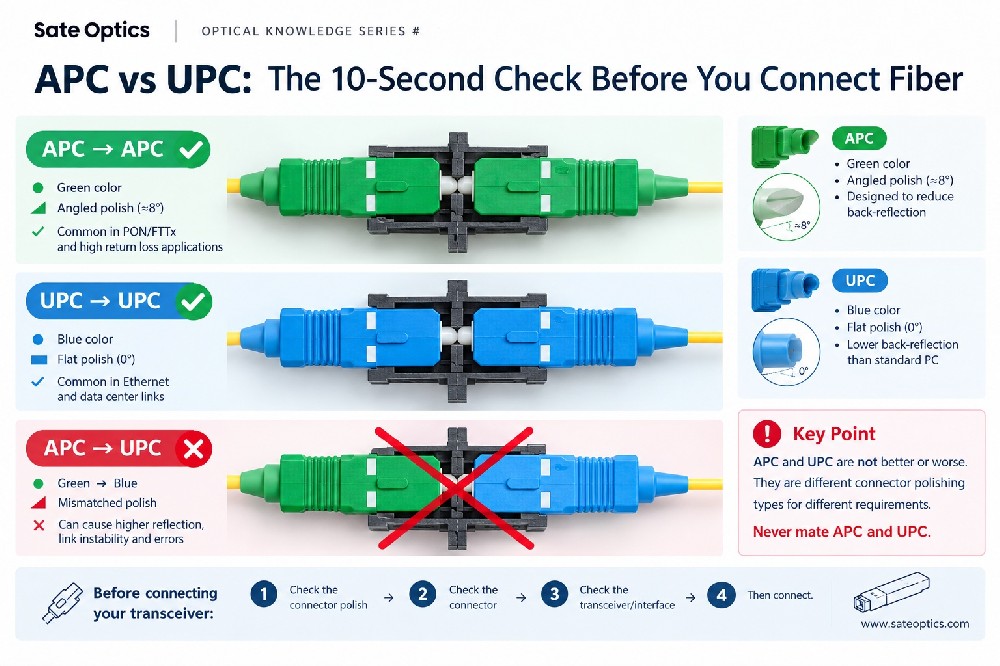
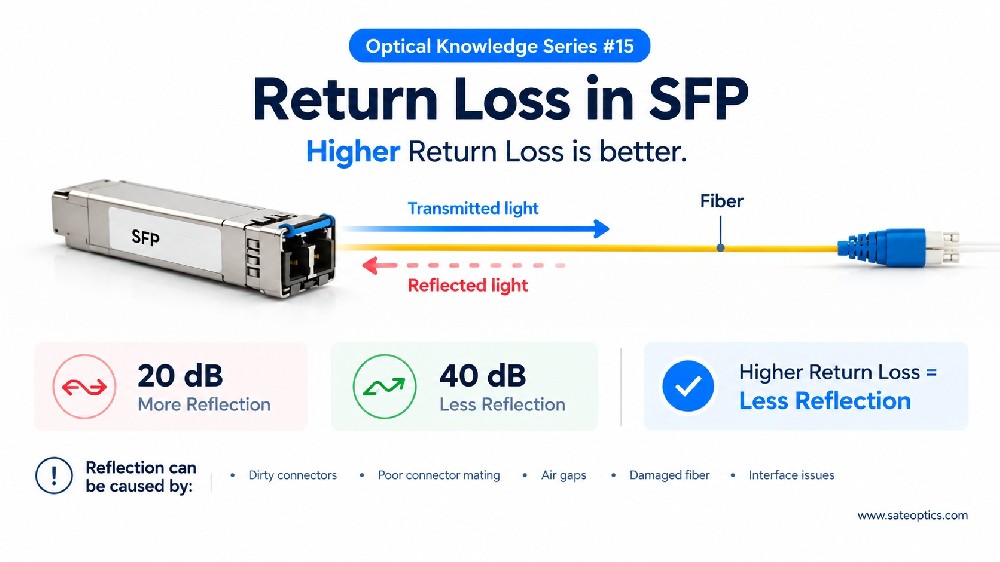
Dirty connectors
Additional splice points
High insertion loss
A 20km fiber route with poor optical conditions can perform worse than a clean 35km link.
The problem is not the distance.
The problem is the remaining optical margin.
Understanding Link Budget With a Simple Example
Imagine a 10G SFP+ ER optical module:
Transmitter power:
+2 dBm
Receiver sensitivity:
-14 dBm
Available optical budget:
≈16 dB
Now calculate the fiber link loss:
Fiber attenuation:
8 dB
Connector loss:
3 dB
Splice loss:
2 dB
Safety margin:
2 dB
Total loss:
15 dB
The link may work.
But only 1 dB margin remains.
Any small change can cause:
❌ Low Rx power
❌ Link flapping
❌ Unexpected downtime
This is why professional network engineers always calculate optical budget before deployment.
Common Causes of Link Budget Problems
1. Dirty Fiber Connectors
One of the most common causes.
A small amount of contamination can significantly reduce optical power.
Always clean:
Fiber connectors
SFP/SFP+ ports
Patch cables
before troubleshooting.
2. Too Many Connection Points
Every additional connector introduces insertion loss.
Large data center or telecom networks often include:
ODF panels
Patch cabinets
Fiber distribution frames
Cross-connect systems
These losses must be included in the calculation.
3. Choosing the Wrong Optical Module
Different applications require different optical specifications.
Examples:
Short distance:
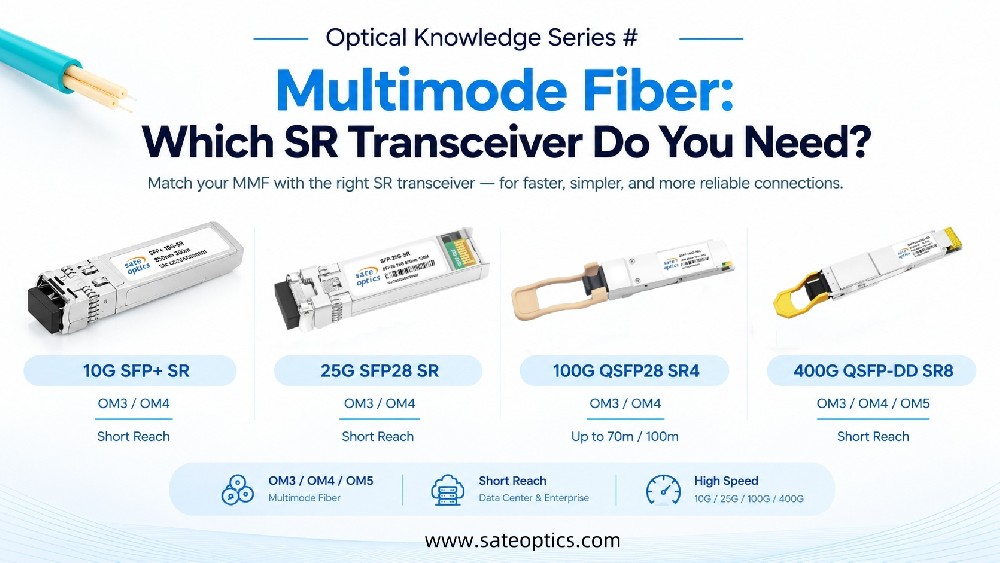
10G SFP+ SR
25G SFP28 SR
100G QSFP28 SR4
Medium distance:
10G SFP+ LR
25G SFP28 LR
100G QSFP28 LR4
Long distance:
10G SFP+ ER
10G SFP+ ZR
100G QSFP28 ER4
400G QSFP-DD DR4 / FR4
Choosing a module only by distance can create problems later.
Link Budget and DDM: Two Important Tools Together
Modern optical transceivers often support:
DDM (Digital Diagnostic Monitoring)
DDM provides real-time information such as:
Tx Power
Rx Power
Temperature
Voltage
Bias Current
For troubleshooting optical links:
Link Budget tells you:
"Should this link work?"
DDM tells you:
"What is happening right now?"
For example:
A 10G LR SFP+ link designed for 10km may suddenly show:
Rx Power:
-12 dBm → -18 dBm
This may indicate:
Fiber contamination
Cable damage
Connector aging
Excessive loss
Application Scenarios
Data Center Interconnect (DCI)
Data centers often use:
10G SFP+
25G SFP28
100G QSFP28
400G QSFP-DD
between buildings or campuses.
Correct optical budget calculation helps avoid unexpected link failures.
ISP and Metro Networks
ISP networks commonly require:
10G ER
10G ZR
DWDM SFP
100G LR4
for longer fiber routes.
A proper link budget calculation is critical for stable transmission.
Enterprise Backbone Networks
Enterprise networks upgrading from copper to fiber often use:
SFP+
SFP28
QSFP+
Understanding optical loss helps avoid choosing the wrong transceiver.
How to Choose the Right Optical Module?
Before purchasing an optical transceiver, check:
✅ Transmission distance
✅ Fiber type (SMF or MMF)
✅ Wavelength (850nm / 1310nm / 1550nm)
✅ Optical power budget
✅ Connector loss
✅ Future expansion requirements
Do not choose only by:
"10km"
"40km"
"80km"
The correct question is:
How much optical margin does my network actually have?
FAQ: Optical Link Budget Questions
Q1: Is a 40km SFP guaranteed to work at 40km?
No.
The maximum distance depends on:
Fiber quality
Connector loss
Optical power budget
Receiver sensitivity
A 40km rating assumes specific network conditions.
Q2: Why does my SFP link fail even though the distance is shorter?
Possible reasons include:
Low Rx power
Dirty fiber connectors
Excessive insertion loss
Incorrect fiber type
Insufficient optical margin
Q3: How can I check if my optical budget is enough?
You can:
Calculate total fiber loss
Check transceiver specifications
Monitor Rx power through DDM
Perform fiber testing if necessary
Q4: Does a higher-distance SFP always solve the problem?
Not always.
A longer-distance module may help, but the root cause could still be:
Bad fiber
Dirty connectors
Installation problems
Always check the entire optical link.
Recommended Optical Transceiver Solutions
For different network distances:
Short Reach
SFP-10G-SR
SFP-25G-SR
QSFP-100G-SR4
10km Links
SFP-10G-LR
SFP-25G-LR
QSFP-100G-LR4
40km Links
SFP-10G-ER
SFP-25G-ER
QSFP-100G-ER4
80km and Beyond
SFP-10G-ZR
DWDM SFP
Long Reach Coherent Optics
Final Thoughts
Optical networking is not only about selecting a transceiver with the right distance label.
A reliable fiber link requires:
The right module + enough optical budget + proper installation
Before upgrading your SFP, SFP+, or QSFP optics, always check your link budget first.
A few minutes of calculation can prevent hours of troubleshooting.
Need Help Choosing the Right Optical Transceiver?
Not sure whether you need LR, ER, ZR, DWDM, or another optical solution?
Our optical specialists can help you select the right module based on:
Distance
Fiber type
Network equipment
Optical budget requirements
Contact us for compatibility support and optical solution recommendations.
Previous:What Is DOM/DDM? How Digital Optical Monitoring Helps Troubleshoot SFP & QSFP Modules
Next:Optical Transceiver Troubleshooting: 5 Checks for Reliable Network Links