
10GBase-T Troubleshooting: Why 10G RJ45 SFP+ Links Become Unstable
2026-04-08 15:52:14
10G Copper T RJ45 SFP+ Link Unstable? Common Causes and Practical Troubleshooting Guide
As 10G networks become more common in enterprise environments, data centers, and ISP infrastructures, many organizations choose 10GBase-T RJ45 SFP+ modules to connect existing copper cabling with high-speed switches.
On paper, the deployment seems simple: plug in the module, connect an Ethernet cable, and the link should work.
However, in real-world networks, 10G RJ45 SFP+ links are often more sensitive than fiber connections. Network engineers frequently encounter issues such as:
Link instability
Automatic downgrade to 1G speeds
Intermittent packet loss
Random link disconnections
In many cases, the issue is not the module itself but factors related to cabling, distance, environment, or switch compatibility.
This article explains the most common causes of unstable 10G RJ45 links and a practical troubleshooting approach used by experienced engineers.
Why 10GBase-T Links Are More Sensitive Than Fiber
Unlike optical connections, 10GBase-T transmits high-frequency electrical signals through copper cables. These signals are far more affected by environmental conditions.
Several factors influence the stability of a 10G copper link:
Cable category and shielding quality
Cable length
Electromagnetic interference (EMI)
Power consumption and heat dissipation of the module
Switch port compatibility and auto-negotiation behavior
Because of these variables, a 10G RJ45 connection that looks correct on paper may still perform inconsistently in practice.
1. Cable Category – The Most Common Cause of Unstable 10G Links
The most frequent reason for unstable 10G copper links is insufficient cable category.
While Cat5e cables may sometimes work for very short distances, they were not designed for reliable 10G transmission.
For stable 10G connections:
Cat6 – may support 10G up to ~55 meters in ideal conditions
Cat6a – recommended for full 10G up to 100 meters
Cat7 / Cat8 – typically used in specialized environments
In many troubleshooting cases, simply replacing an older Cat5e cable with a Cat6a cable immediately stabilizes the link.
2. Cable Length – Distance Matters for 10GBase-T
Even when the cable category is correct, long copper runs can still introduce signal degradation.
10GBase-T is much more sensitive to distance compared to lower-speed Ethernet standards.
Common symptoms of excessive cable length include:
Link repeatedly connecting and disconnecting
Speed dropping from 10G to 1G
High error rates or packet loss
A quick way engineers verify this issue is to temporarily replace the installed cable with a short patch cable. If the link becomes stable, the problem is almost certainly related to the original cable run.
3. Module Temperature and Power Consumption
Compared with optical SFP+ modules, 10G RJ45 modules consume more power and generate more heat.
Typical power consumption:
Optical 10G SFP+ modules: around 1 W
10GBase-T RJ45 SFP+ modules: often 2.5 W – 3 W
In switches with dense port layouts or limited airflow, heat accumulation can cause:
Port instability
Link drops
Reduced module lifespan
Ensuring proper switch ventilation and airflow can significantly improve stability.
4. Switch Compatibility and Auto-Negotiation
Another overlooked factor is switch compatibility with RJ45 SFP+ modules.
Some network switches:
Do not fully support 10GBase-T SFP+ modules
Have limitations with auto-negotiation
Support only specific vendor-coded modules
Symptoms related to compatibility issues include:
The link only operating at 1G
Failure to establish a link
Unstable connection despite good cabling
Before deployment, it is always recommended to verify module compatibility with the target switch platform.
5. Electromagnetic Interference (EMI)
Because copper cables transmit electrical signals, they are vulnerable to electromagnetic interference from nearby equipment.
Common interference sources include:
Power cables
Server power supplies
Dense patch panels
Poor grounding infrastructure
In environments with heavy electrical noise, copper links may experience:
Increased error rates
Packet retransmissions
Link instability
This is one reason many modern data centers prefer fiber optics for 10G connections, as fiber is immune to electromagnetic interference.
A Practical Troubleshooting Checklist for 10G RJ45 Links
When engineers diagnose unstable 10GBase-T connections, they typically follow a simple sequence:
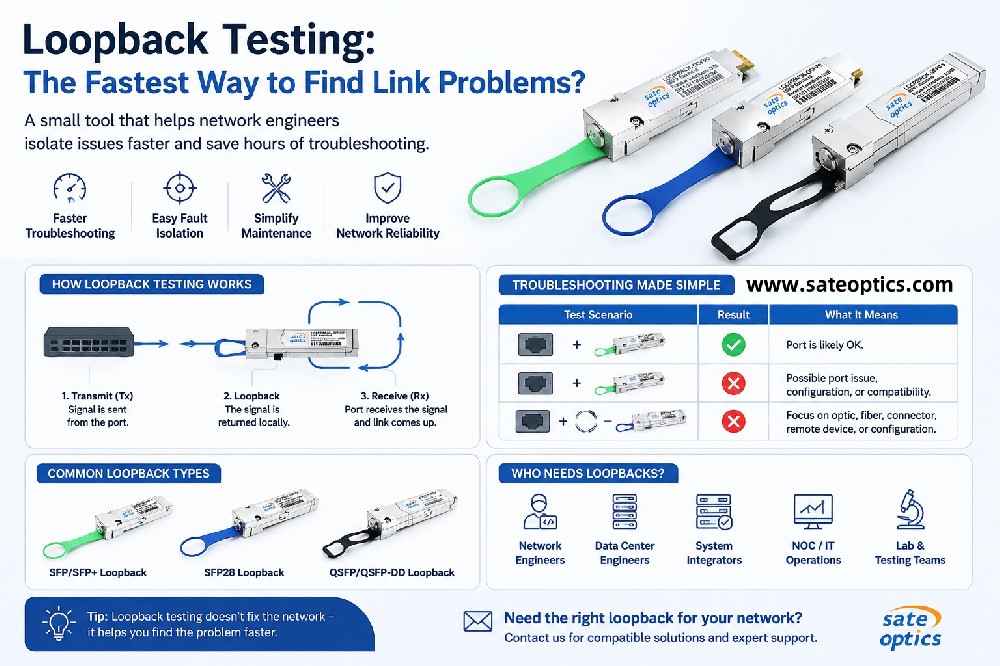
Test with a short patch cable
Verify the cable category (preferably Cat6a or higher)
Check the total cable length
Confirm switch compatibility
Monitor module temperature
Evaluate potential EMI interference
Test with another port or module
Following this structured approach helps identify the root cause quickly and avoids unnecessary module replacements.
In Most Cases, the Problem Is Not the Module
One of the most common misconceptions is that an unstable 10G link automatically means a defective module.
In reality, field experience shows that cabling issues are responsible for the majority of copper link problems.
Improving cable quality, reducing distance, and ensuring proper environmental conditions often resolves the issue without changing the optical hardware.
Choosing the Right Solution for Stable 10G Networks
While 10G RJ45 SFP+ modules provide flexibility for existing copper infrastructure, many data centers and high-performance networks increasingly adopt 10G fiber solutions due to their advantages:
Lower power consumption
Higher stability over long distances
Immunity to electromagnetic interference
Better scalability for future upgrades
Selecting the right connectivity solution ultimately depends on network architecture, distance requirements, and environmental conditions.
✅ Conclusion
10G RJ45 SFP+ modules can be a practical solution for extending 10G connectivity over copper cabling, but they require careful consideration of cabling quality, distance, and operating environment.
When facing unstable links, engineers should always start by checking cable category, cable length, and environmental factors before replacing hardware.
With proper design and troubleshooting, 10G copper links can operate reliably in many enterprise and access network deployments.
Previous:Choosing the right optical module, DAC vs AOC comparison, CWDM vs DWDM, fiber network upgrade.
Next:Frequently Asked Questions About SFP Optical Power Monitoring